
The Frontend Course Creator #
The Frontend Course Creator allows theAdministratorsandInstructorsto create and edit a LearnDash course on the frontend of the website.
Activating Frontend Course Creator (FCC) #
- Admin can activate/deactivate FCC from WP dashboard LearnDash LMS Instructors Frontend Course Creator
- Frontend Course Creator Setting Tab
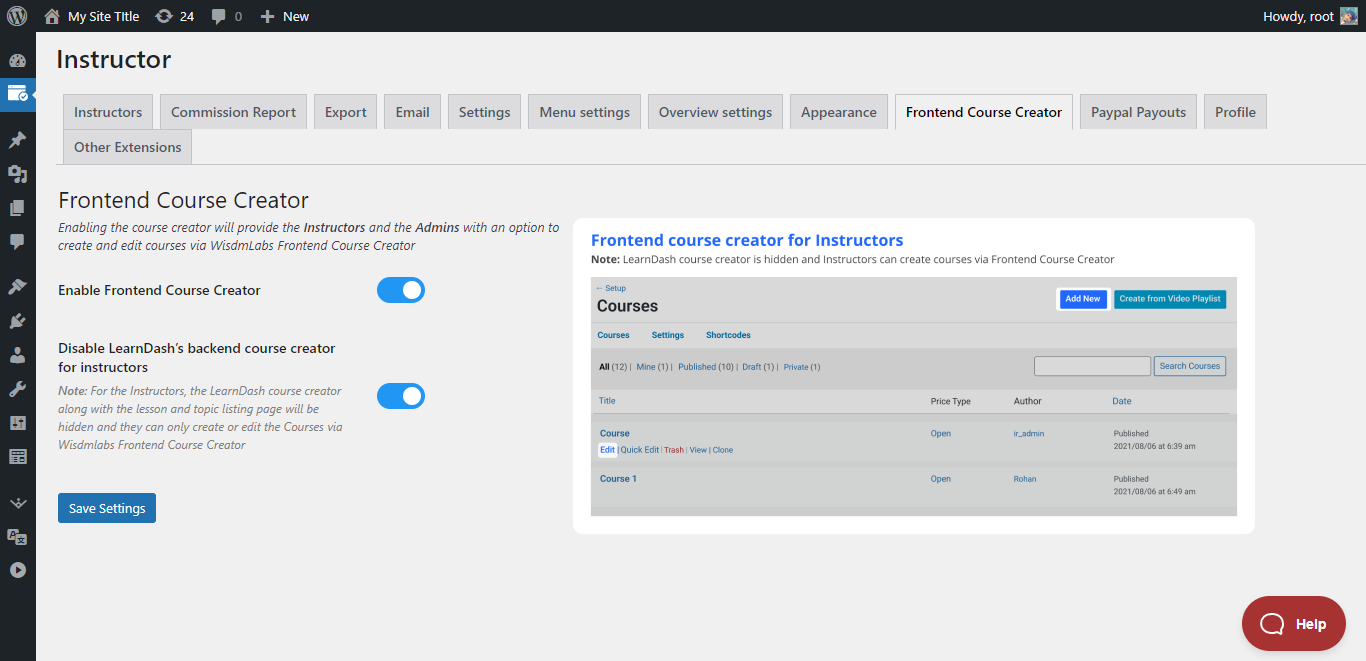
Important:In order for the Frontend Course Creator to function, your permalink structure must be set topretty permalinks(i.e anything except plain permalink structure), and you must save the permalink settings again after enabling the Frontend Course Creator.
Settings #
Enable Frontend Course Creator #

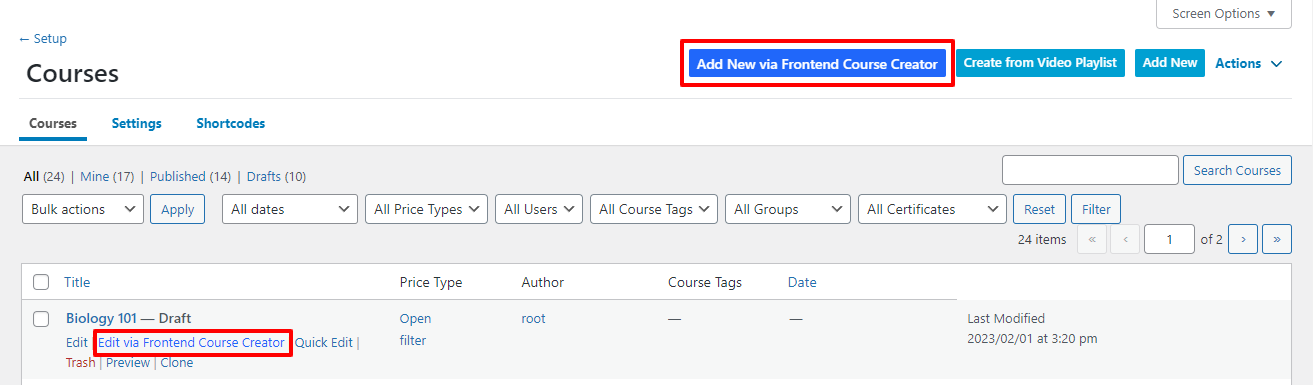
Enabling this setting will add anEdit via Frontend Course Creatoroption in the course edit menu (Image below) and add a buttonAdd new via Frontend Course Creatorbeside the LearnDashs Add New button
Disable LearnDashs Backend Course Creator for Instructors #
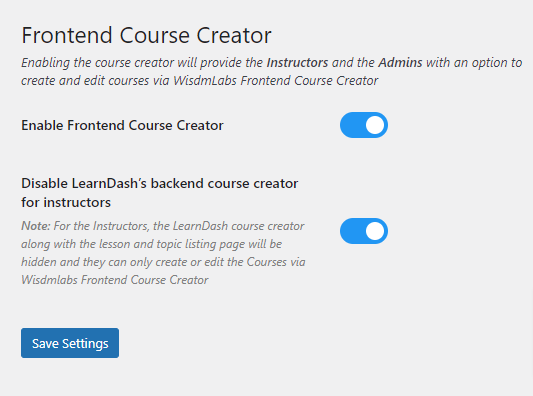
- Enabling this setting willRemove the Edit and Add Newoption for the default LearnDash Course Builder andRename the Frontend Course Creatoractionsas Edit and Add New
- This setting will appear and be enabled by default when the primary setting (Enable Frontend Course Creator) is enabled.
Appearance Settings #
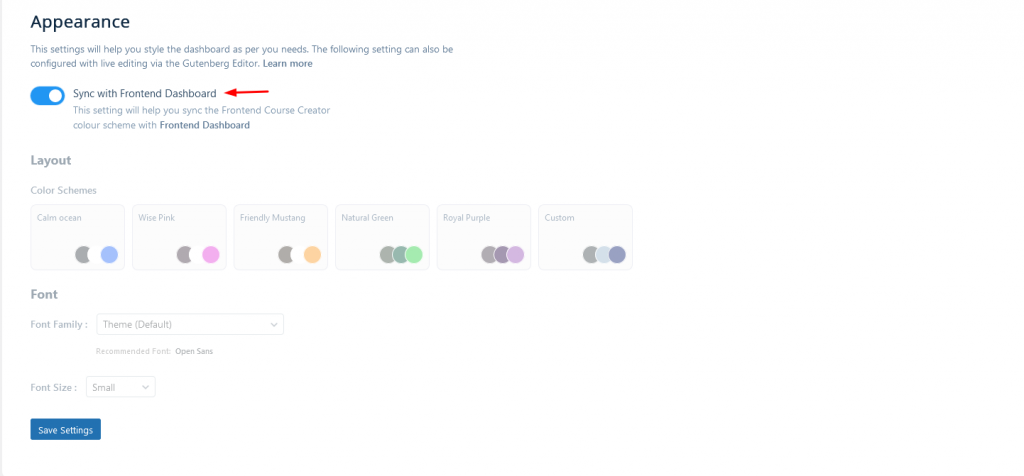
- TheSync Buttonis a powerful new feature in our product that allows you tosynchronize your frontend dashboards color themes, font size, and font family with the Frontend Course Creator (FCC) color theme.
- This feature ensures a consistent look and feel for your dashboard, and if enabled, it will automatically apply the synchronization whenever the frontend dashboard is updated or you save your settings on the Frontend Course Creator Settings page.
- When the Sync Button is turned ON, any Color or Font updates made to your Frontend dashboard will trigger automatic synchronization with the Frontend Course Creators color theme, font size, and font family. This ensures that your dashboards color theme remains compliant with Frontend Course Creator without manual changing it.
- This setting will appear and beenabled by defaultwhen the primary setting (Enable Frontend Course Creator) is enabled.
Accessing the Frontend Course Creator #
As per the above-configured settings, the Instructors /Admins can create/edit a course from
- Theinstructorcan go to theInstructor Dashboard Courses Edit Via Frontend Builder / Add new via Frontend Builder
- Theadministratorcan go toWP Dashboard Course Edit Via Frontend Builder / Add new via Frontend Builder
Using the Frontend Course Creator #
Create a Course #
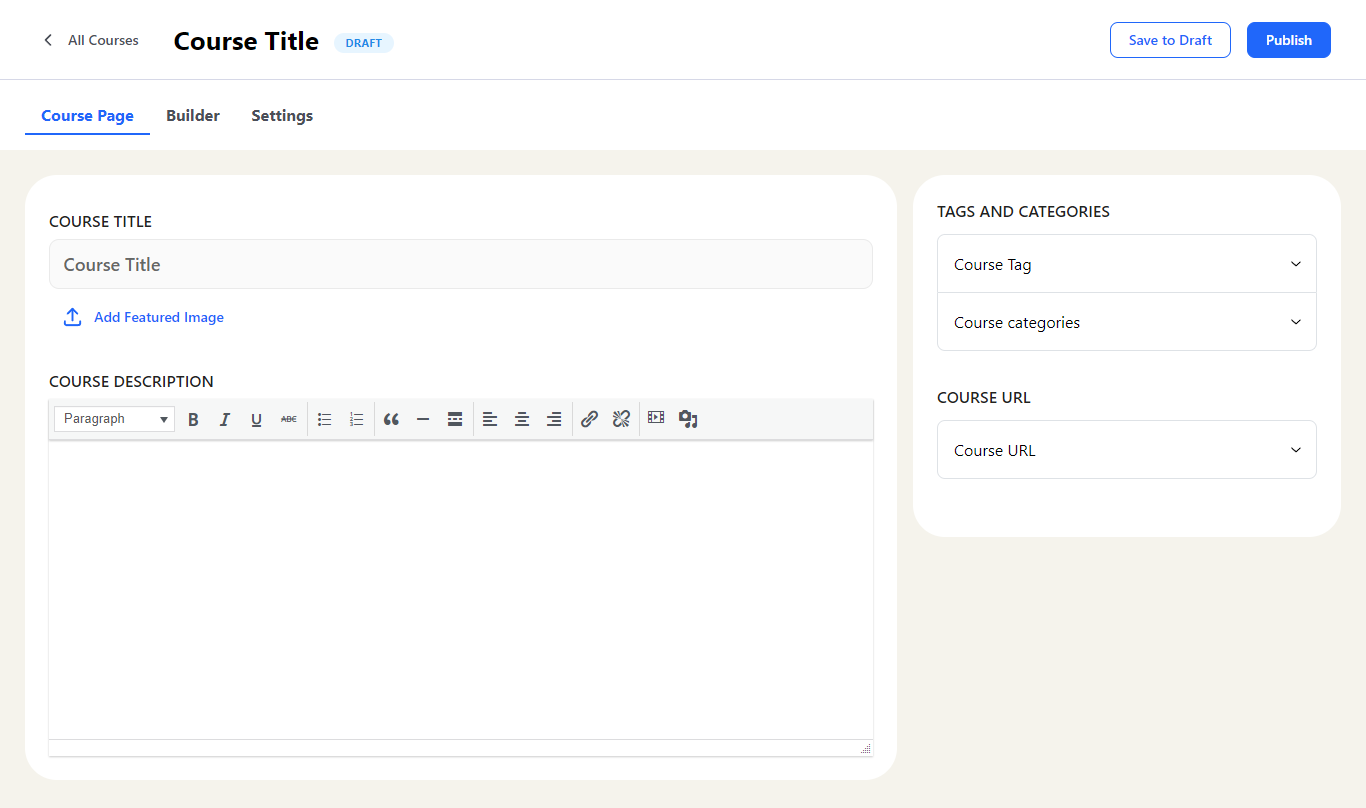
- You can create a new course by clicking theAdd new via Frontend Course Creator Button
- This will make a draft course and take you to the frontend course creator to add all the content and configure the settings to create the course.
- Frontend Course Creator is nowElementor Compatible,
that allows administrators and instructors to access the Elementor editor directly from the frontend of your course creation platform. This feature provides a seamless and user-friendly way to create, edit, and manage course content while limiting backend access and still providing full Elementor support.
Edit a Course #
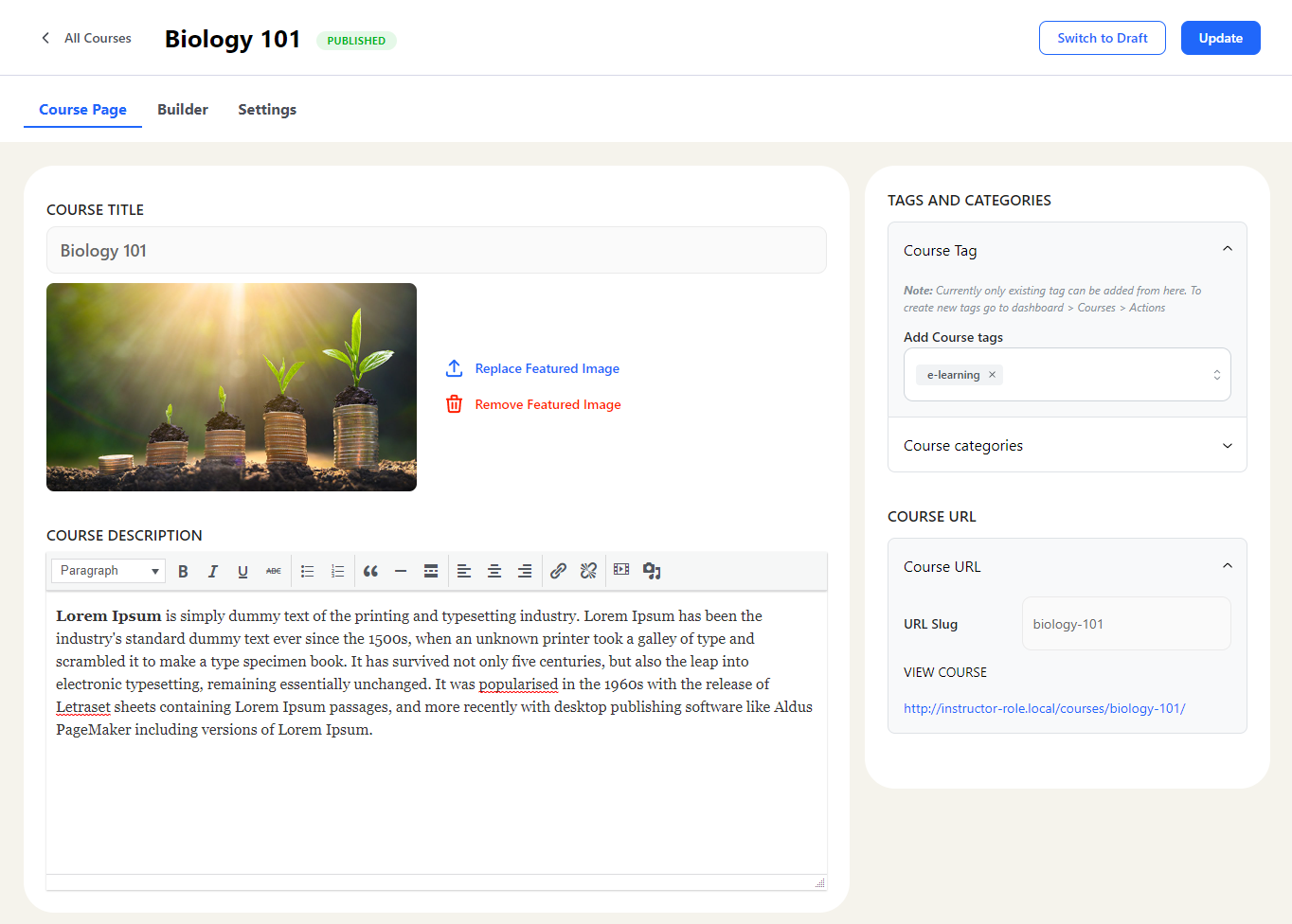
To edit a course using the Frontend Course Creator you can click theEdit via Frontend Course CreatorLink by hovering over the course title on the course listing page.
The Frontend Builder #
The Frontend Builder allows
- Organizing the course structure
- Adding new lessons and topics or using existing lessons and topics to create a course
- Adding existing quizzes to the course.
- Note:Currently, new quizzes cannot be created directly from the frontend course creator. You will have to create a course using LearnDashs backend Quiz builder and add those later in the course from here
Organizing the course structure #
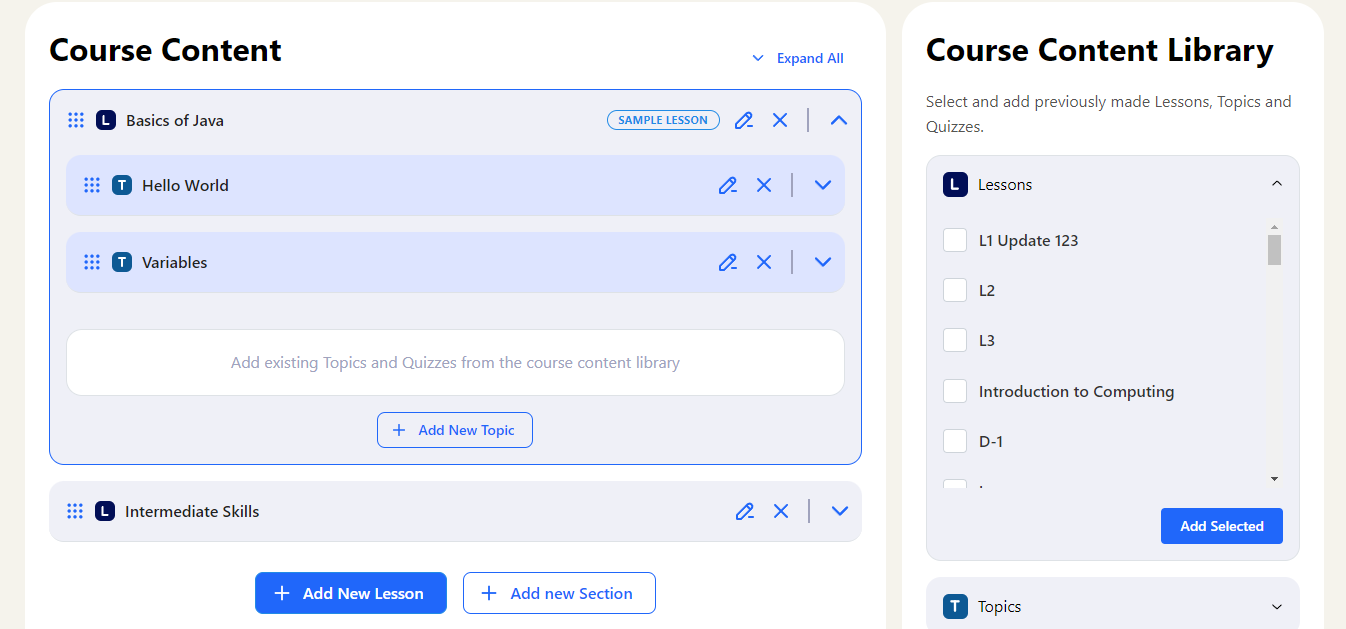
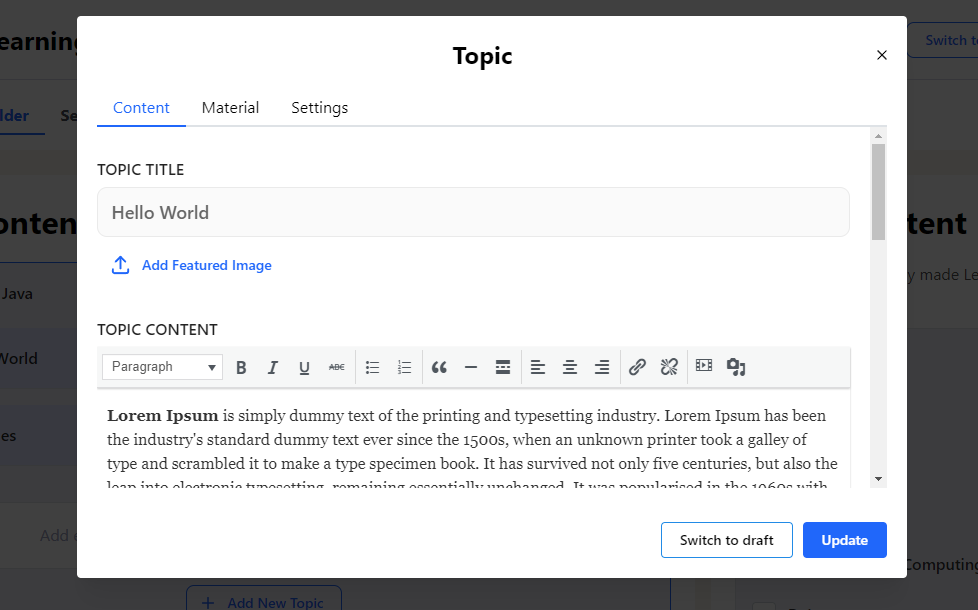
Adding and Editing Lessons/Topics #
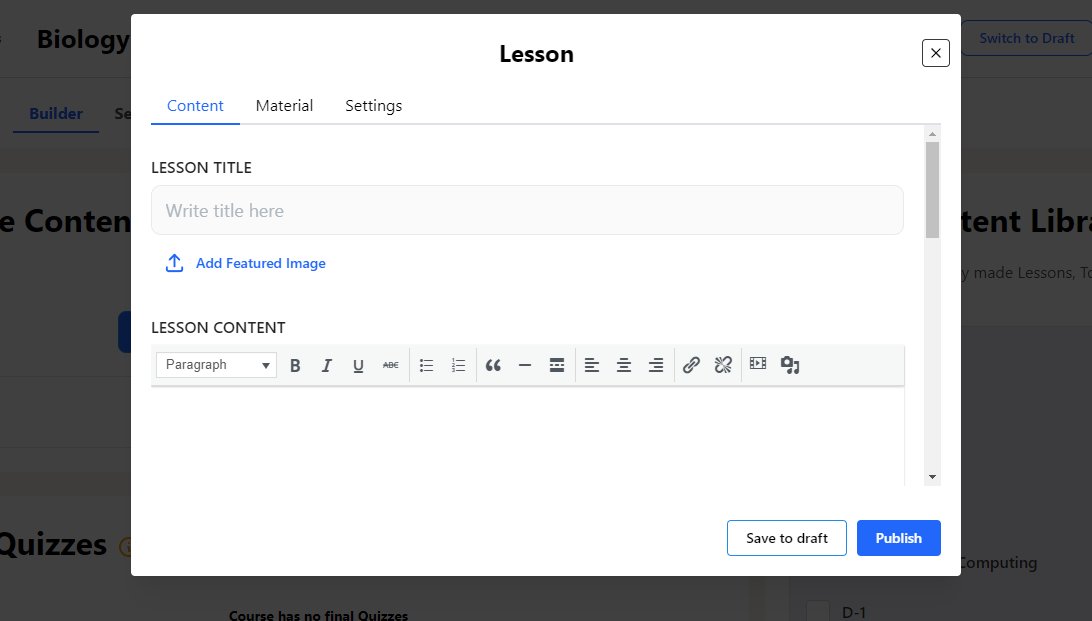
Editing existing lessons and topics #
Course Settings #
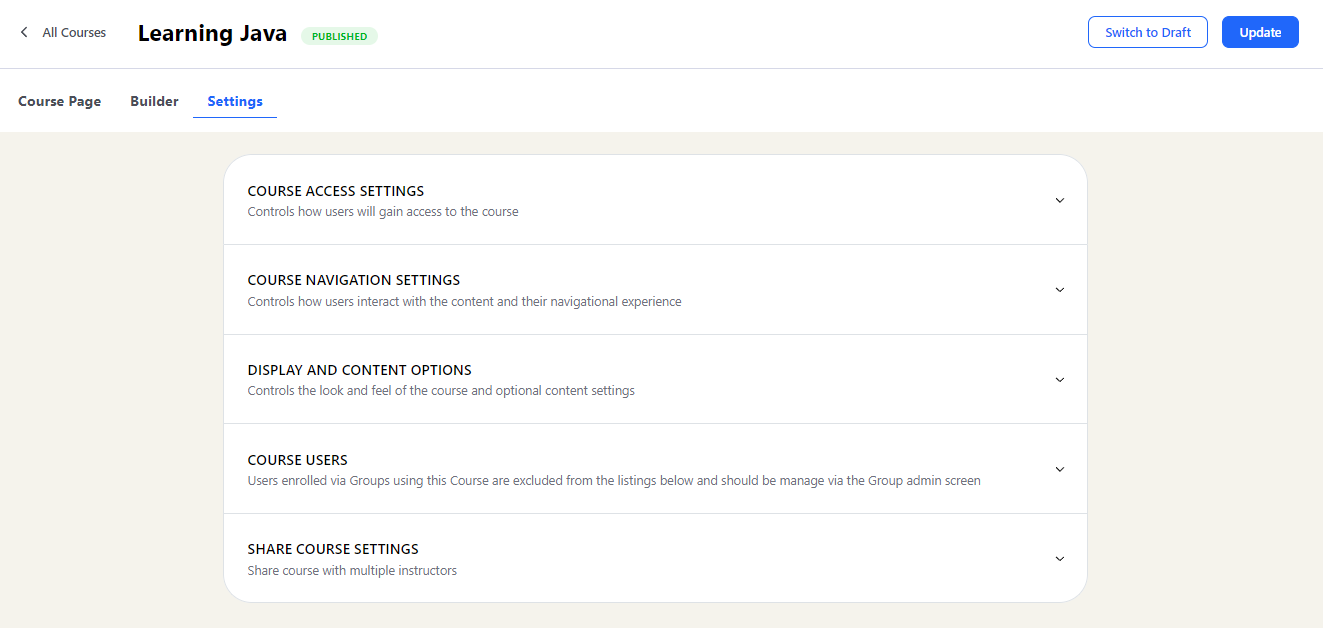
All the LearnDash course settings for configuring a course are available in the Frontend Course Creator. To know more about the setting referhere
Limitations #
All the following limitations will beresolved in the upcoming release soon!
- New quizzes and questions cannot be created directly from the frontend course creator, only existing quizzes can be added to the course via the frontend course creator. You will have to first create a Quiz from Learndashs Quiz builder to add it to the course via the frontend course creator
- For Courses, Lessons, and Topics new categories and tags cannot be directly created by the frontend course creator. You can create the course tags and categories from the Courses listing page > Actions
- Multiple Instructors: If the admin is not the course author then they cannot assign multiple instructors for the course via the frontend course creator, only the course authors — be it an admin or the instructor who create the course — will be able to do it.