
Instructor roles new overview settings enable us to hide and show all the available blocks on the instructor overview page as listed below.
- Course block
- Student block
- Products block
- Earnings block
- Course Reports block
- Submissions block
All Block Hidden Message settings #
What we see below is the default message that is shown when all the blocks are disabled. We provide functionality to edit this default message
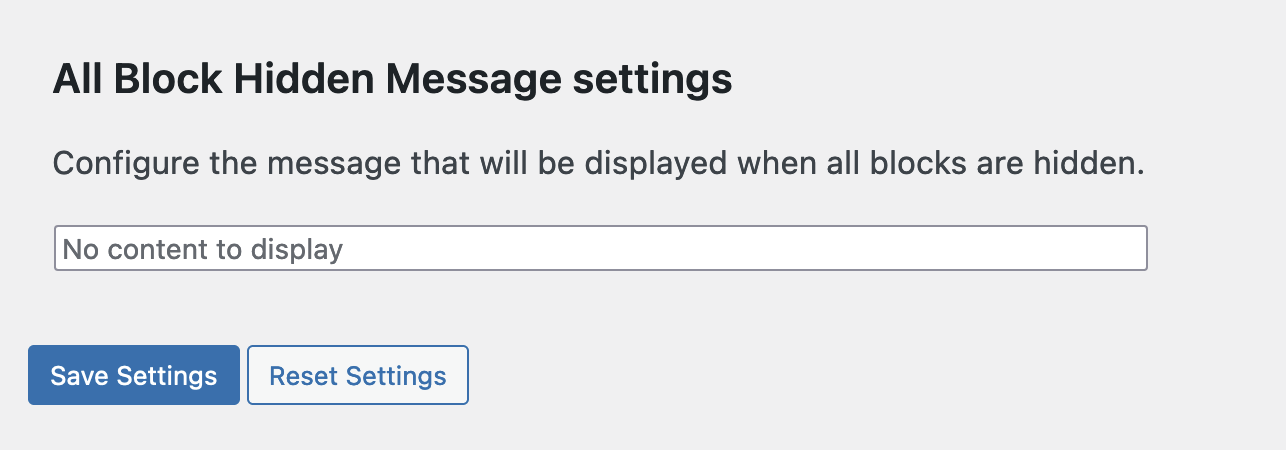
Reset settings #
By default, if the user desires to reset all of the settings, he will be requested for confirmation, and once confirmed, all data will be returned to defaults.
The default behaviour permits all overview blocks to be active/on, and the default dashboard input message is empty (no content to display in the overview settings).
Default settings #
