
Presenting the Frontend Dashboard, exclusively designed for Instructors and Admins! Now your instructors and admin will be able to access LearnDash and other Instructor Role plugin features right from the frontend of your website. Instead of using our access restricted backend(WP) Instructors dashboard embrace the complete frontend experience.
With a visually appealing interface and an intuitive user experience, the Frontend Dashboard ensures high security and boosts instructors productivity. The frontend dashboard is fully customizable and extendable so that you can tailor it to deliver an exceptional Instructor experience that fits your business needs perfectly. Say hello to simplified course management and unlock a world of possibilities!
Frontend Dashboard #
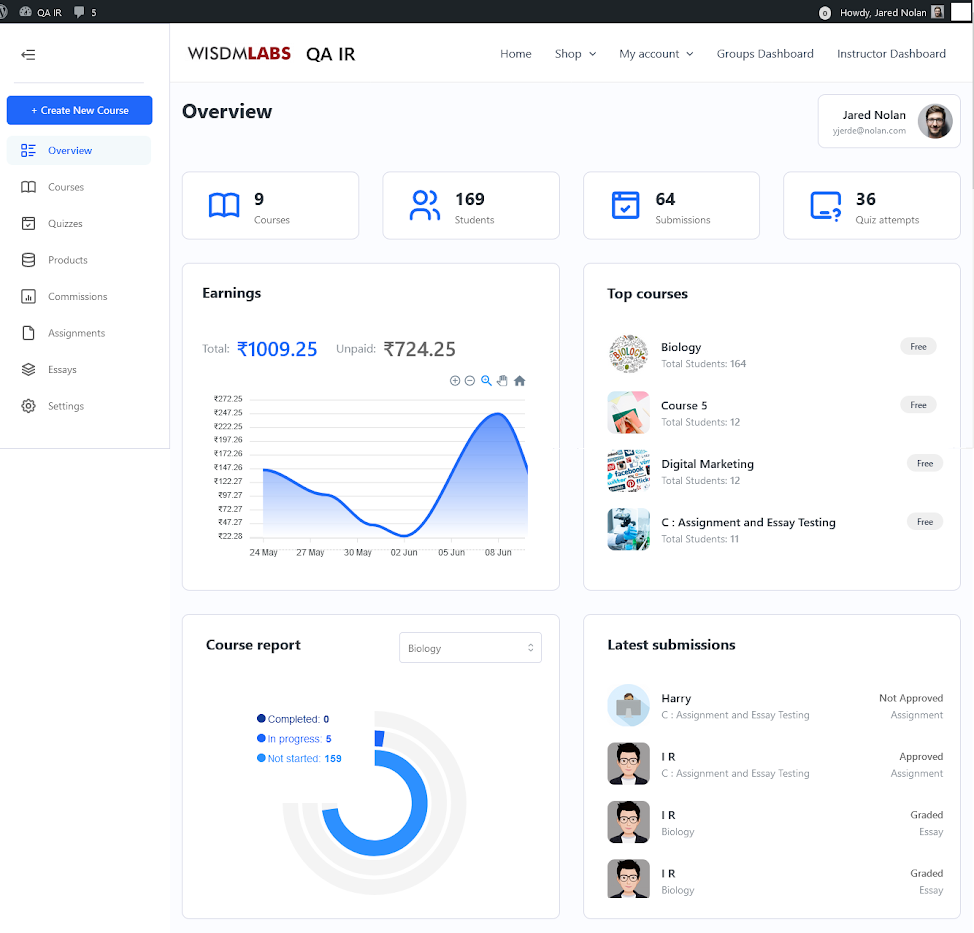
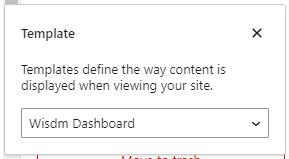
The new frontend dashboard is a Gutenberg block-based dashboard that comes with a powerful dashboard builder block making it fully customizable and extendable. Dont worry even if you have disabled the Gutenberg Editor you can still use our global settings to customize the frontend dashboard.
At present, the frontend dashboard offers eight primary tabs and other remaining Instructor functionalities available in the Instructor role plugin are coming very soon to the frontend dashboard
Instructor Frontend Dashboard Tabs #
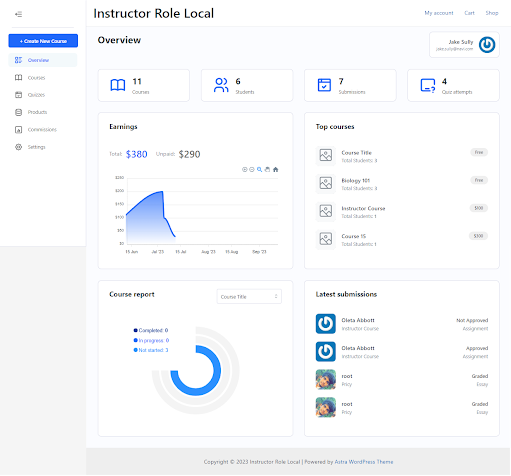
Overview: Get a comprehensive view of your Courses and Learners, along with their submissions, all at a glance.
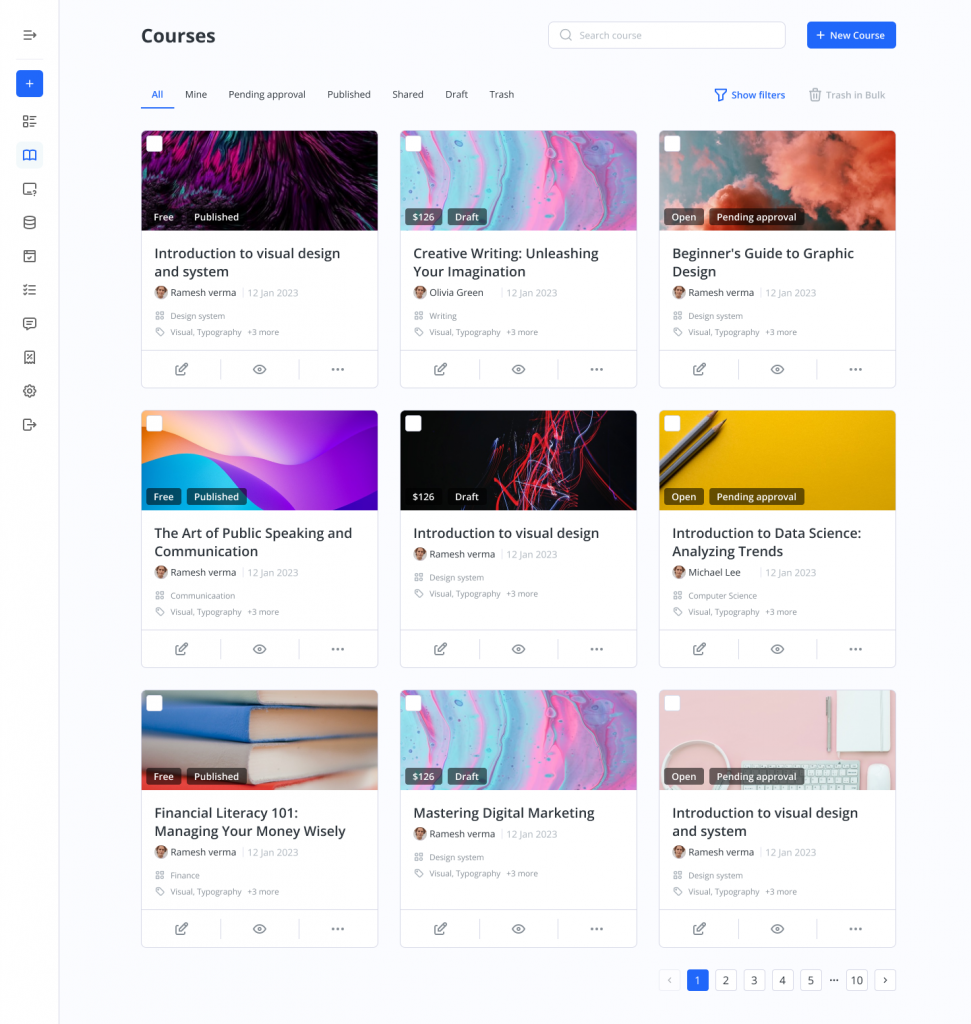
Courses: Explore a user-friendly listing of courses and utilize our Frontend Course Creator to effortlessly create or edit courses.
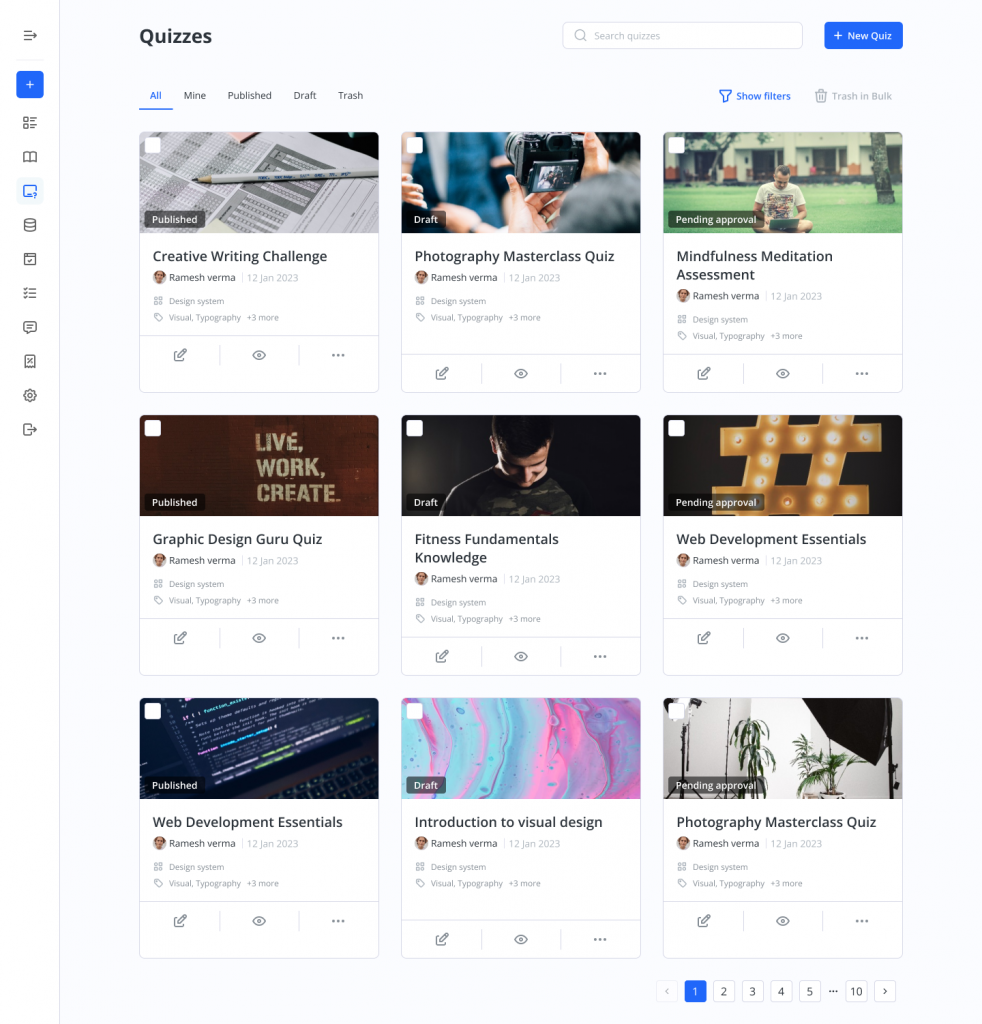
Quizzes: A quizzes listing through which you can create new Quizzes or edit new quizzes using our Frontend Course Creator
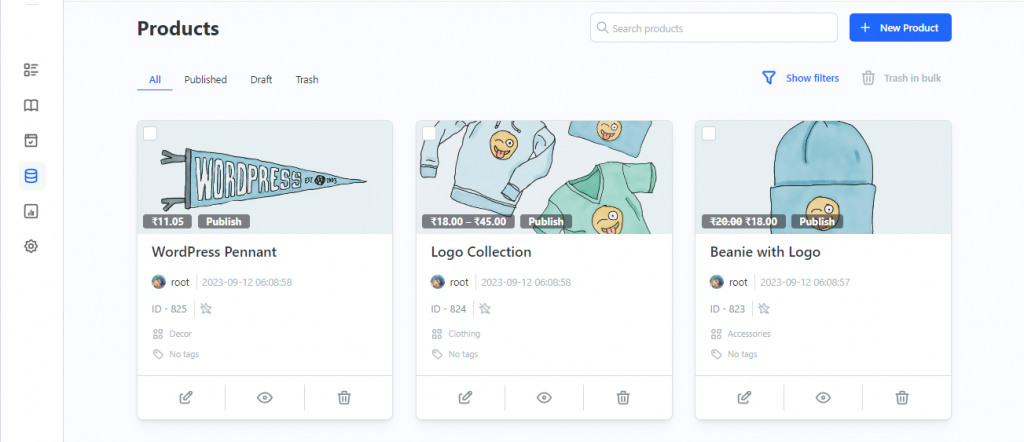
Products: The Products tab offers instructors and administrators a fresh tab view for their WooCommerce products within the Frontend Dashboard.
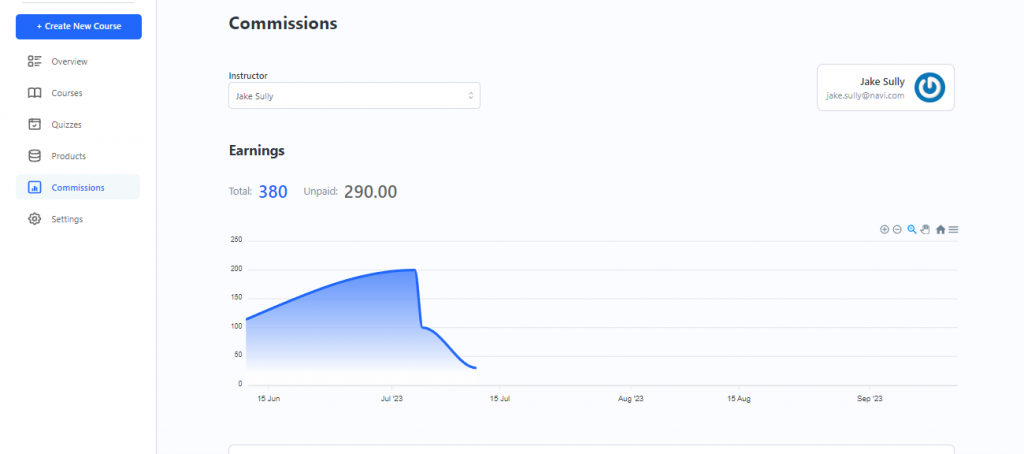
Commissions: The Commissions tab for Instructors gives a detailed view of the instructor commissions and payout logs and their earnings.
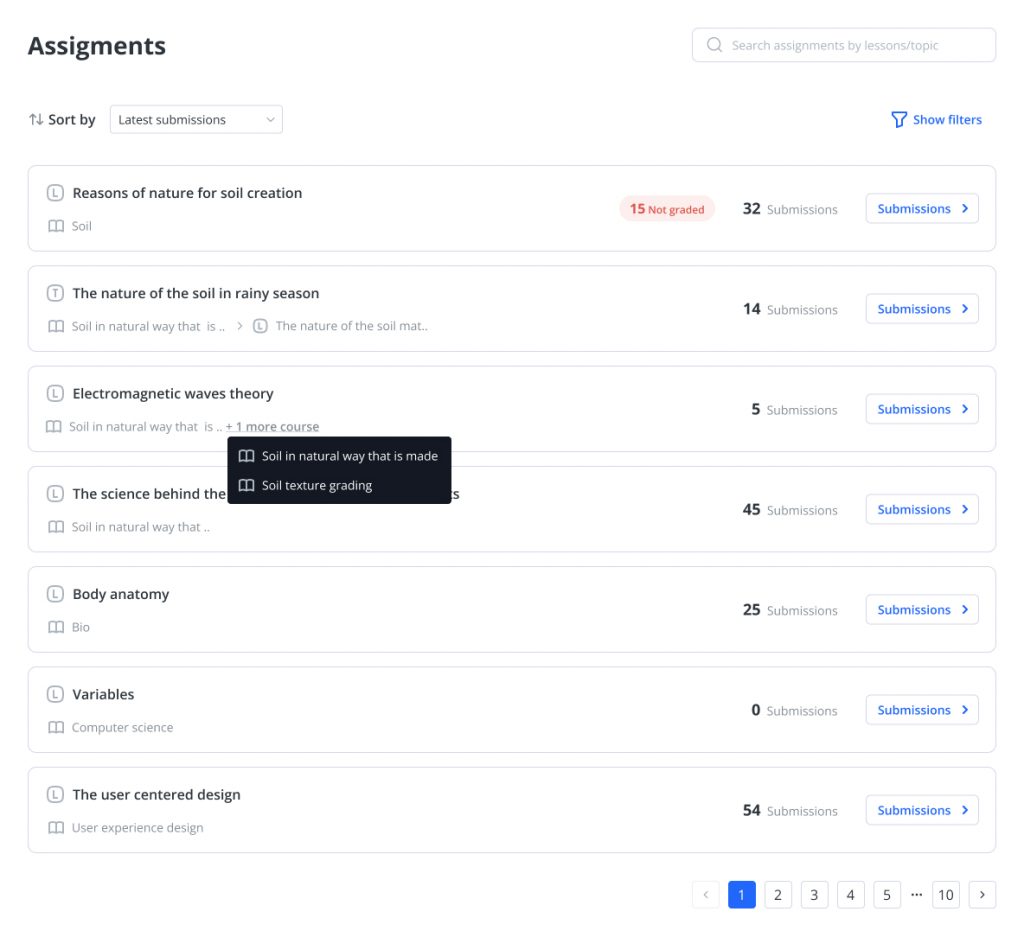
Assignments: The Assignments Block provides a unique and simpler view for your assignment submissions to help you manage them with ease.
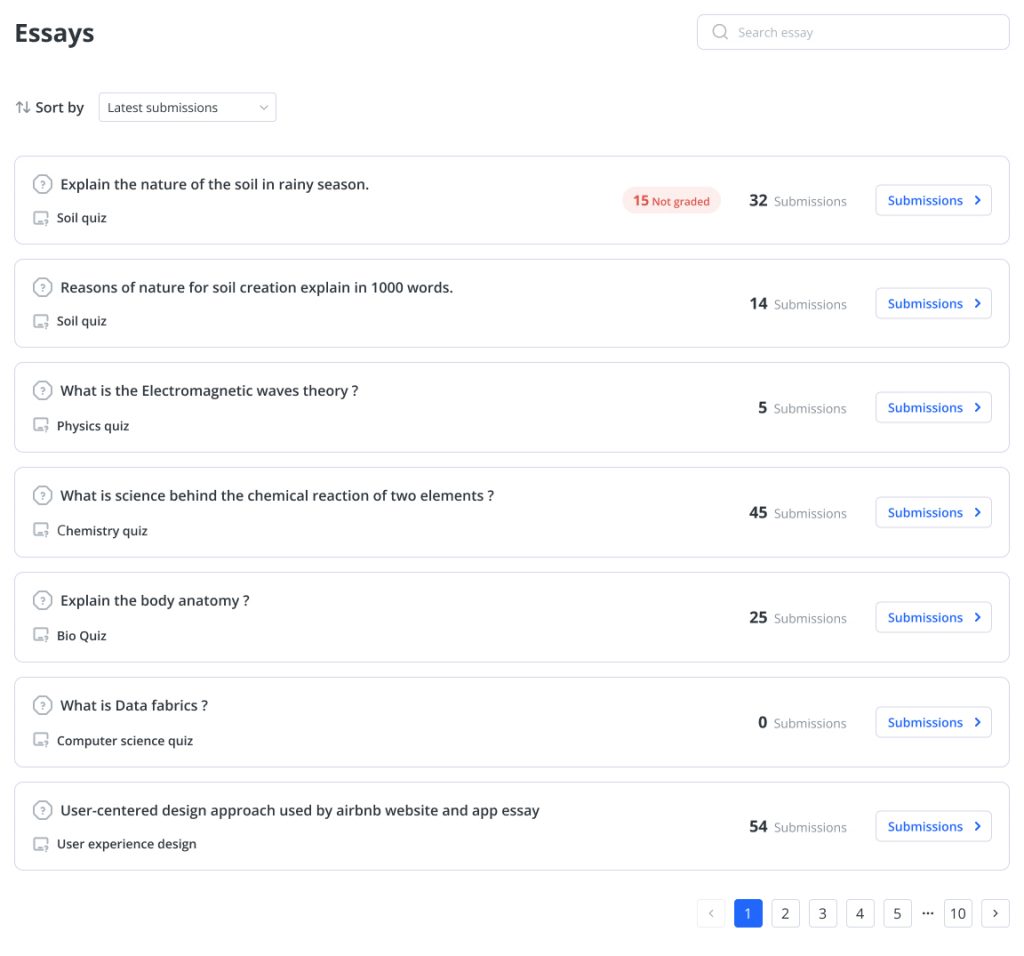
Essays: The Essays Block provides a unique and simpler view for your student essay submissions to help the admin and instructor manage essay submissions better.
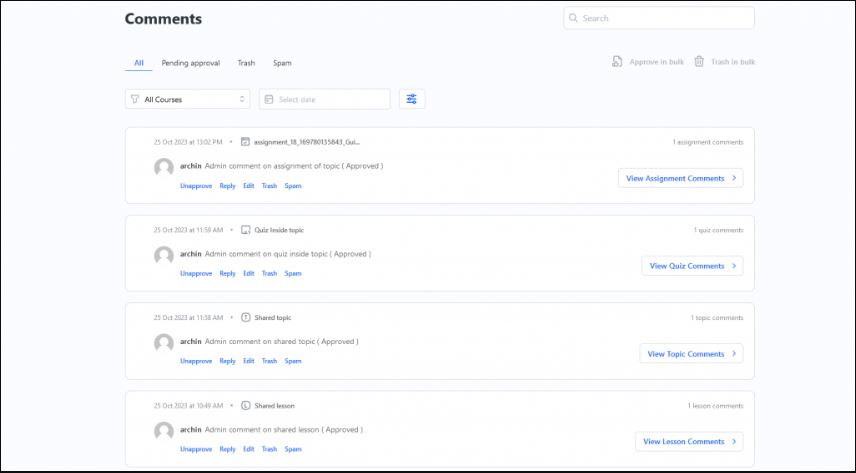
Comments: The Comments block allows users to efficiently manage and navigate comments across courses, lessons, topics, quizzes, essays, and assignments.
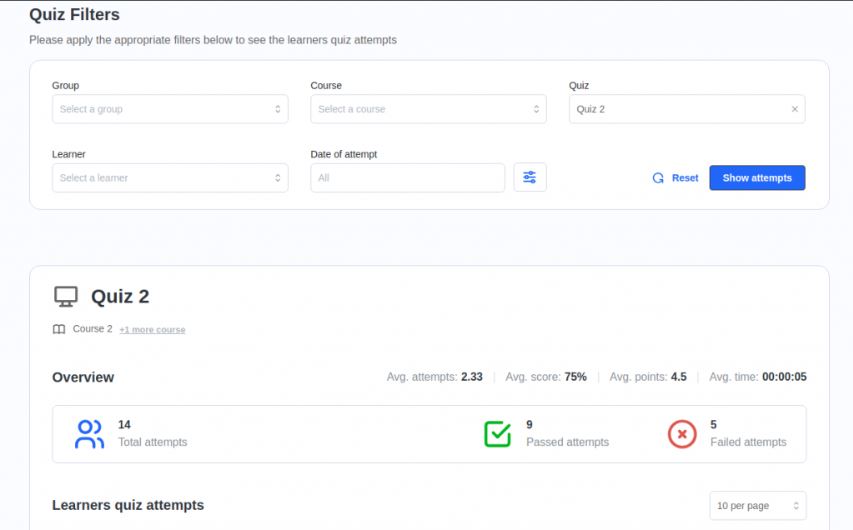
Quiz Attempts: The Quiz Attempts block allows user to
( instructors or administrators) easily access and review all student quiz attempts directly.
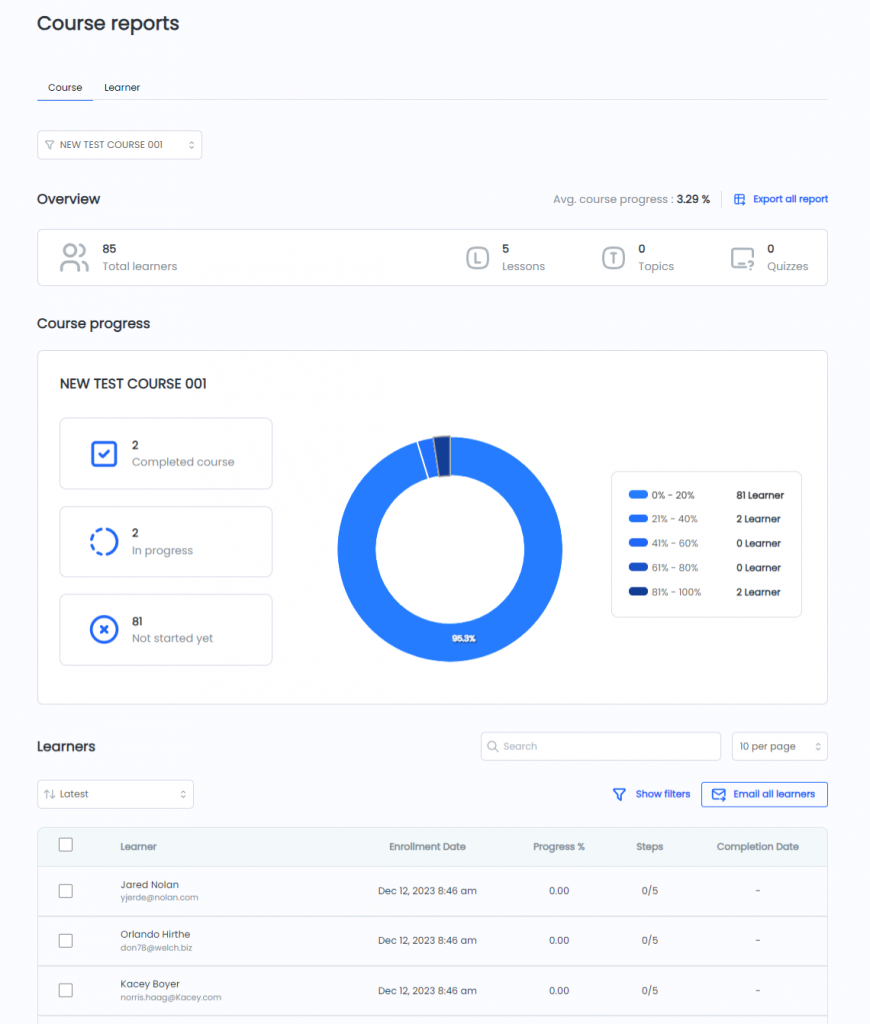
Course Reports: Instructors can view course and learner-specific reports for their courses and students.
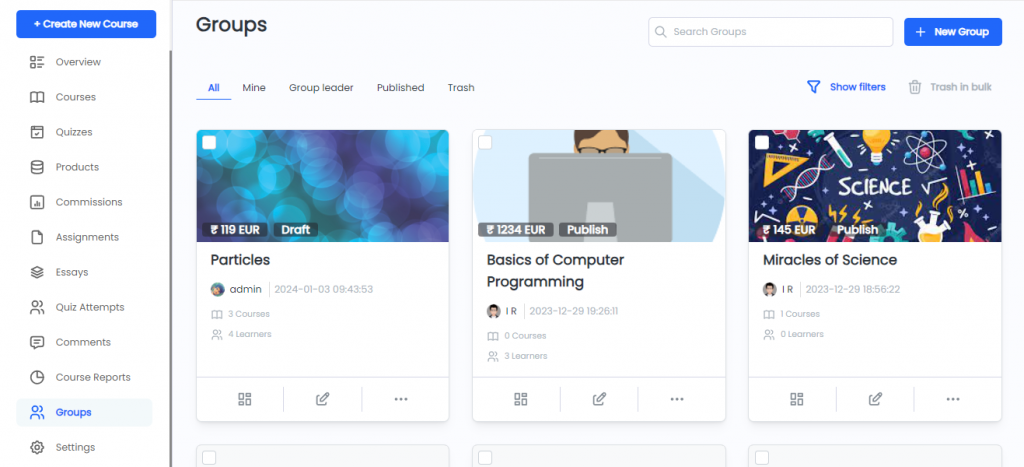
Groups: Instructors can manage groups and view groups dashboard for their groups and students.
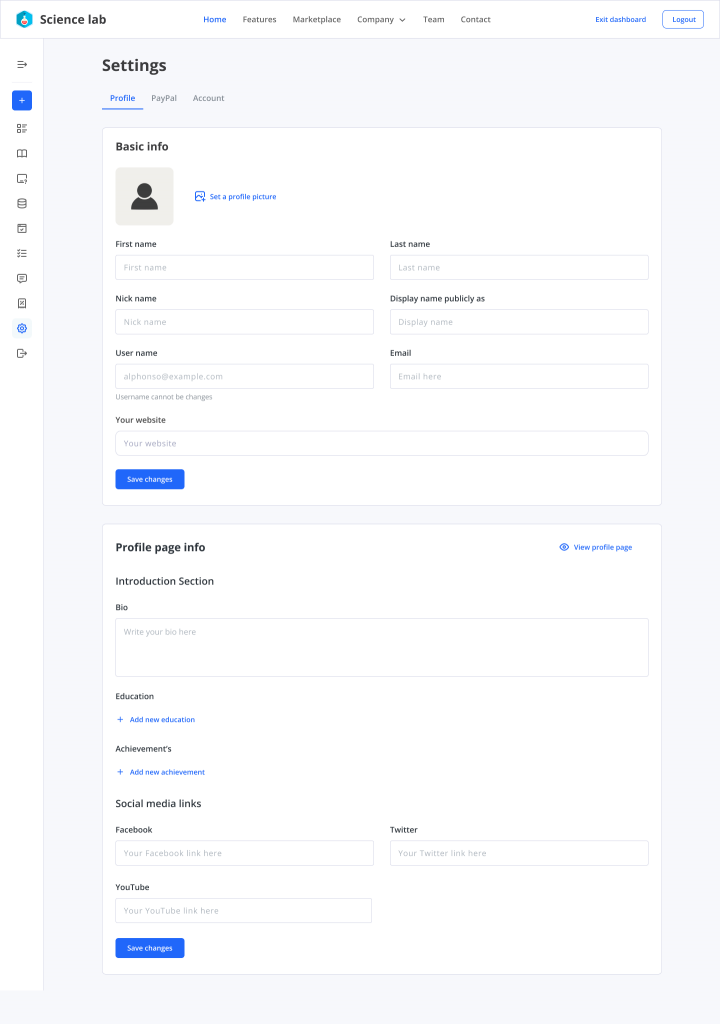
Settings: Instructors can take charge of their profile information, manage email notifications and Paypal details for efficient payouts in this dedicated tab.
All the other LearnDash and Instructor Role functionalities for Instructors are coming soon to the frontend dashboard. We are continually working to enhance the frontend dashboard by adding all other LearnDash and Instructor Role functionalities, ensuring it becomes the go-to solution for course creators. Our goal is to empower you to effortlessly create, maintain, and manage courses and content without having to access the Backend(WP) Instructor dashboard.
Frontend Instructor experience to create and manage courses: #
Say farewell to the traditional backend setup and embrace the simplicity and convenience of managing your courses directly from the frontend of your website. With the Frontend Dashboard, Frontend course creator, you can create, edit, and organize your courses effortlessly, without the need to navigate through complicated backend screens.
Completely block access to the Backend #
With the Frontend Dashboard, you can provide instructors with a seamless frontend experience while completely blocking access to the backend /wp-admin/ area. Instructors can focus on creating and managing their courses without being exposed to the complexities of the backend. This ensures a hassle-free experience for instructors while maintaining the integrity and security of your website.
Personalize the dashboard to match your Brand and Sites look and feel #
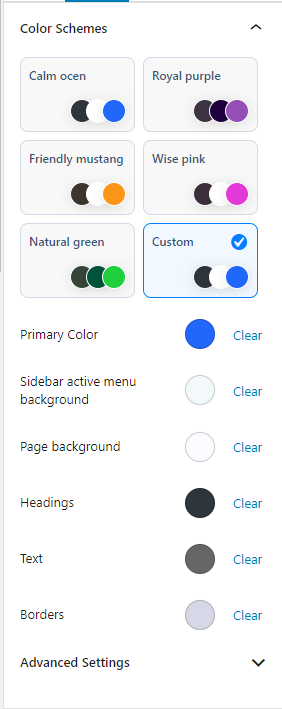
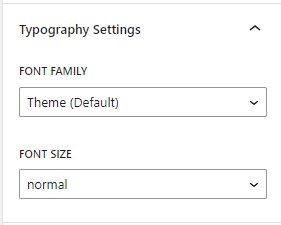
Make the Frontend Dashboard your own by customizing its appearance to match your branding and style. With a wide range of customization options, you can easily tailor the layout, color schemes, and typography to create a unique and visually appealing dashboard that reflects your organizations identity.
Frontend dashboard can be customized through Gutenberg editor, even if Gutenberg editor is disabled, you can customize the dashboard via global settings.
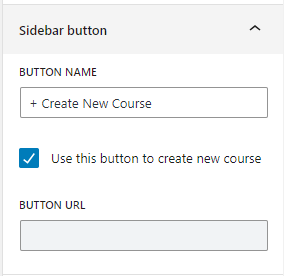
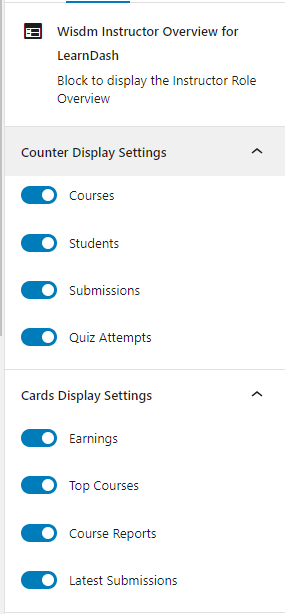
Customize and Extend the Frontend Dashboard to create a dashboard tailored to your business needs #
The Frontend Dashboard is a Gutenberg block-based modular dashboard empowering you with all the flexibility to customize and extend the dashboard tailored to your business needs
The Gutenberg editor along with the Dashboard builder block enables you to enhance the dashboards capabilities by removing / adding/ rearranging content and features & functionalities. Whether you wish to include additional information, integrate external tools, or improve existing functions, allows your frontend dashboard to evolve with your needs. Learn about how to customize the frontend dashboard.
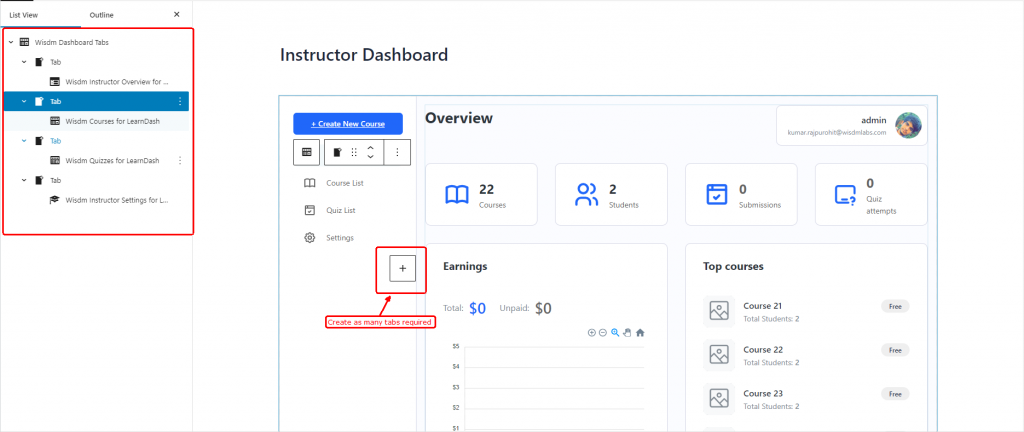
With the complete frontend experience for instructors offered by the simplified and intuitive Frontend Instructor Dashboard, administrators can confidently let instructors manage and oversee the course on their sites.
The Frontend Dashboard offers unparalleled customization flexibility, granting admins full control over instructor access and the ability to tailor the dashboard to meet unique business needs. With this powerful tool, administrators and business owners can efficiently manage instructors, elevating the overall quality of their e-learning experience. Say goodbye to limitations and embrace a new era of simplified course management and enhanced productivity.